Translating documents isn’t hard these days, but when it comes to long documents, it still gets tricky as most translation services are limited to a few paragraphs and charge for larger texts.
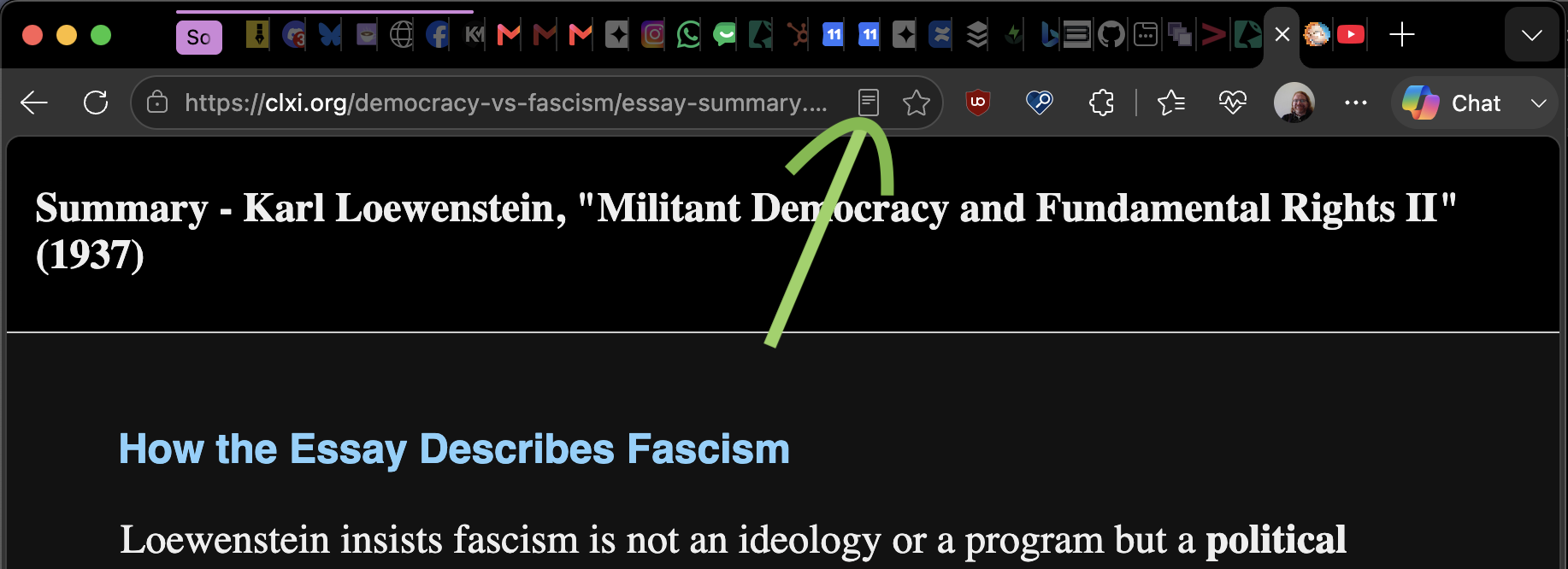
If you use Microsoft Edge, you can use the immersive reader mode to translate huge documents for free though. You can trigger the immersive reader on any text heavy document by activating the icon on the URL bar.
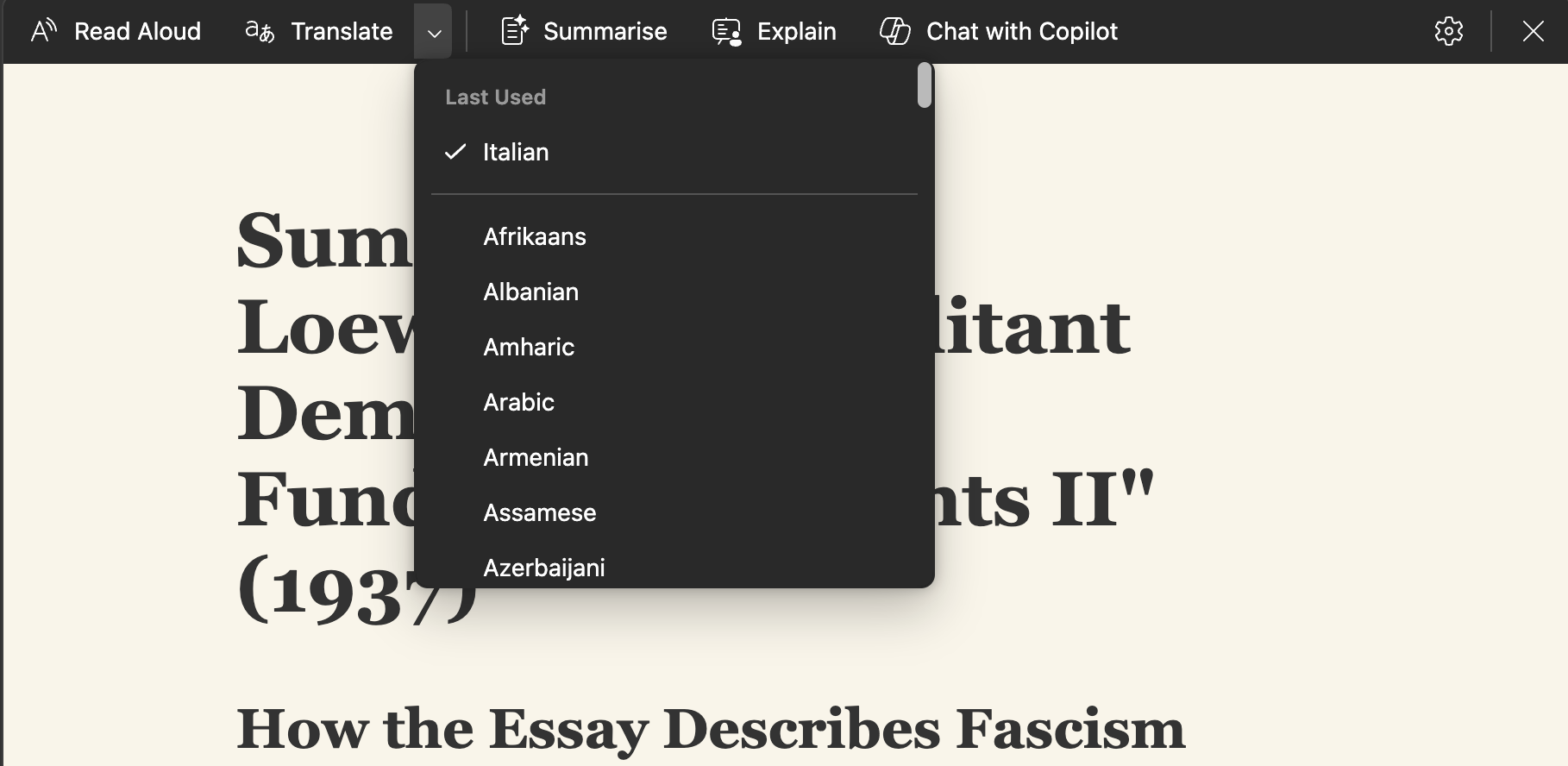
Once activated, you can pick another language from the translation menu:
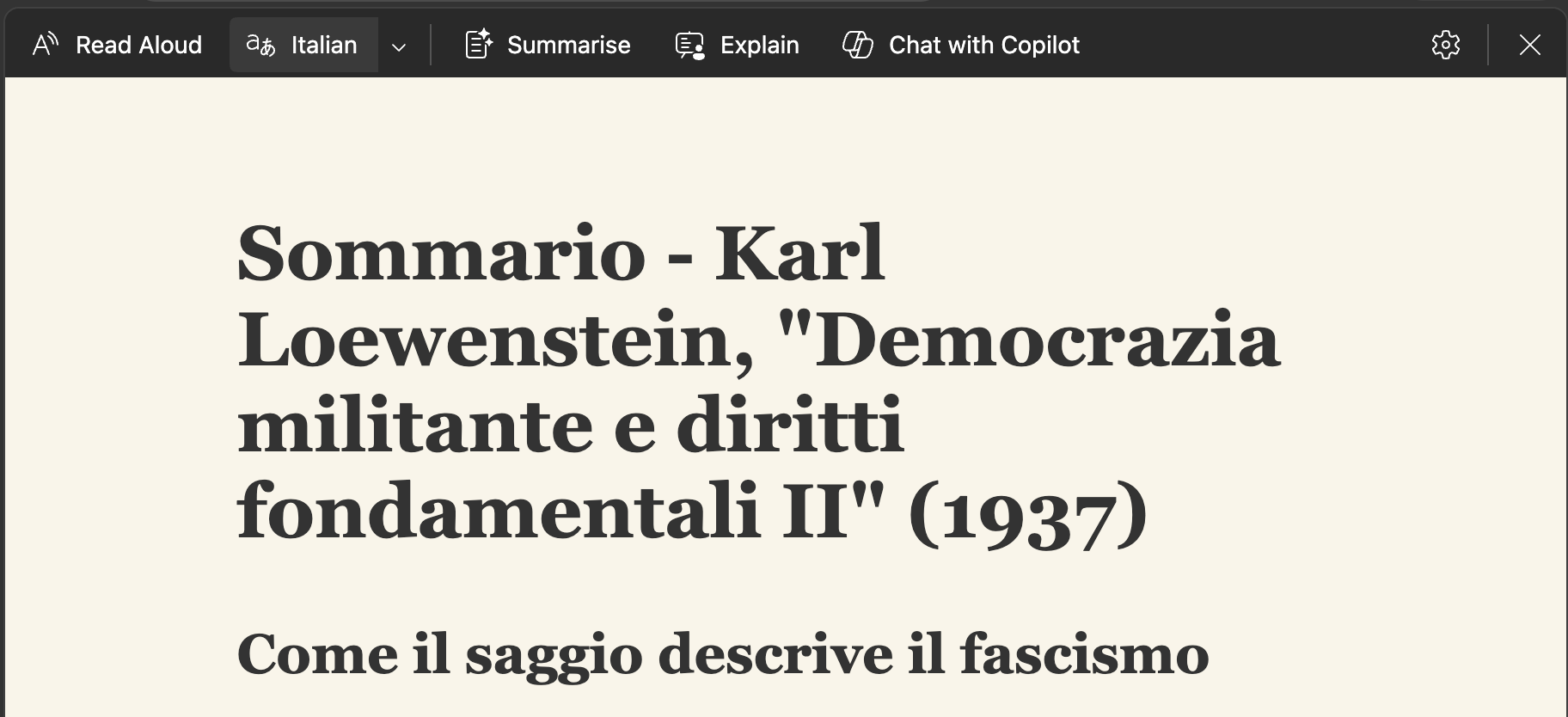
And the whole document will get translated for you to copy and paste.
You can see this in action in this video.