This week I finished the Nordcraft Fundamentals course. It comprises 45 videos spanning 13 modules and almost four hours of lessons, and introduces HTML, CSS and JavaScript for beginners through the medium of Nordcraft, a visual website builder. Planning and producing a curriculum of this size was no easy task over the span of five months, and I wanted to share some insights into the process and the things that made this undertaking manageable, in case it helps someone else embarking on the same journey.
Plan the whole curriculum first
Given I had to balance teaching HTML, CSS and JavaScript alongside teaching people how to use Nordcraft itself, the key thing that set me up for success was planning, planning, planning. And some more planning. I started by defining the modules of the course, such as HTML, CSS, APIs, Formulas, Workflows, and so on. Afterwards, I planned out individual lessons, keeping the following guidelines in mind:
each lesson should be under 10 minutes long, ideally around five minutes long
each lesson should introduce something new
each lesson should build on and reference the concepts introduced in previous lessons where appropriate
each lesson should not introduce too many concepts at once
each lesson should not introduce something too early in the course, for example, don’t reference module 5 content in module 3; if you need to mention it for clarity, reference that it will be covered in a later module (as one of the key things in teaching is understanding what not to teach, as well as what to teach)
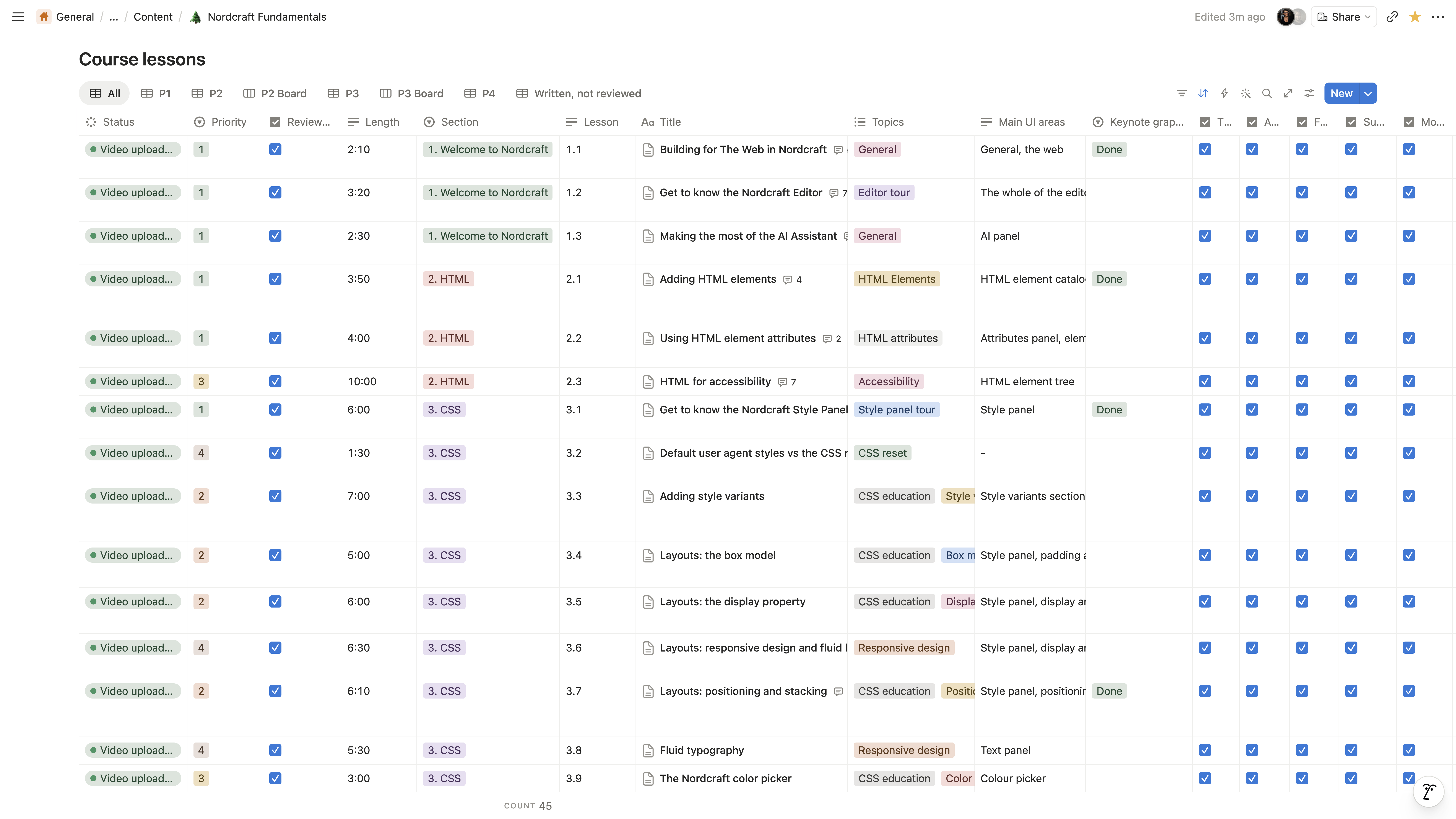
I used Notion to plan out the course, and wrote full scripts for each lesson (in batches, more on this below).
Design a simple recording and production process
I used DaVinci Resolve to produce the videos. Whilst I have semi-decent video editing skills, I didn’t want to fall into to a trap of letting video production get in my way. Before I started the course production, I designed a simple video template to use for all lessons that comprised:
A short intro where I’m talking to the camera
A short logo screen to end the intro
The main lesson content which mostly comprises showing the Nordcraft editor in full screen mode
An end logo screen
One of the key decisions I made in designing the recording process really helped speed things up. In my experience, it’s often really difficult and time consuming to record a lesson whilst presenting the content on screen. Plus, if most of the lesson content is just a voiceover, if there were any mistakes made in the recording (and there were a few), I could correct these easily with another voiceover rather than needing to record me speaking to camera again. The production process looked like this:
Record me reading the script to camera
Edit the recorded script in DaVinci Resolve
Screen record the demo content in the Nordcraft editor or Keynote using CleanShot
Add the screen recordings to the timeline (using mainly freeze frames: this made it super easy to record the screens and produced a much cleaner result rather than flailing with a mouse cursor which often makes things look messy)
To speed up the process even further, I even went so far as to detail:
the precise lighting setup in my studio
my outfit and position
which video transitions to use where
the correct audio levels
the ideal camera recording zoom level
when to use Keystroke Pro to demo keypresses
and the size of the cursor image I used on screen to point to particular areas of the Nordcraft UI
Having all of these details in place meant that producing a single lesson took around 2-3 hours in total, give or take:
Script recording: 10-20 mins
Script editing: 20-30 mins
Screen recording: 10-20 mins
Screen recording editing: 1 hour
Subtitle editing: 10 mins
Exporting: 5 mins
Thumbnail creation (from template): 5 mins
Uploading to YouTube and adding to the course page: 5 mins
Write and produce the lessons in batches
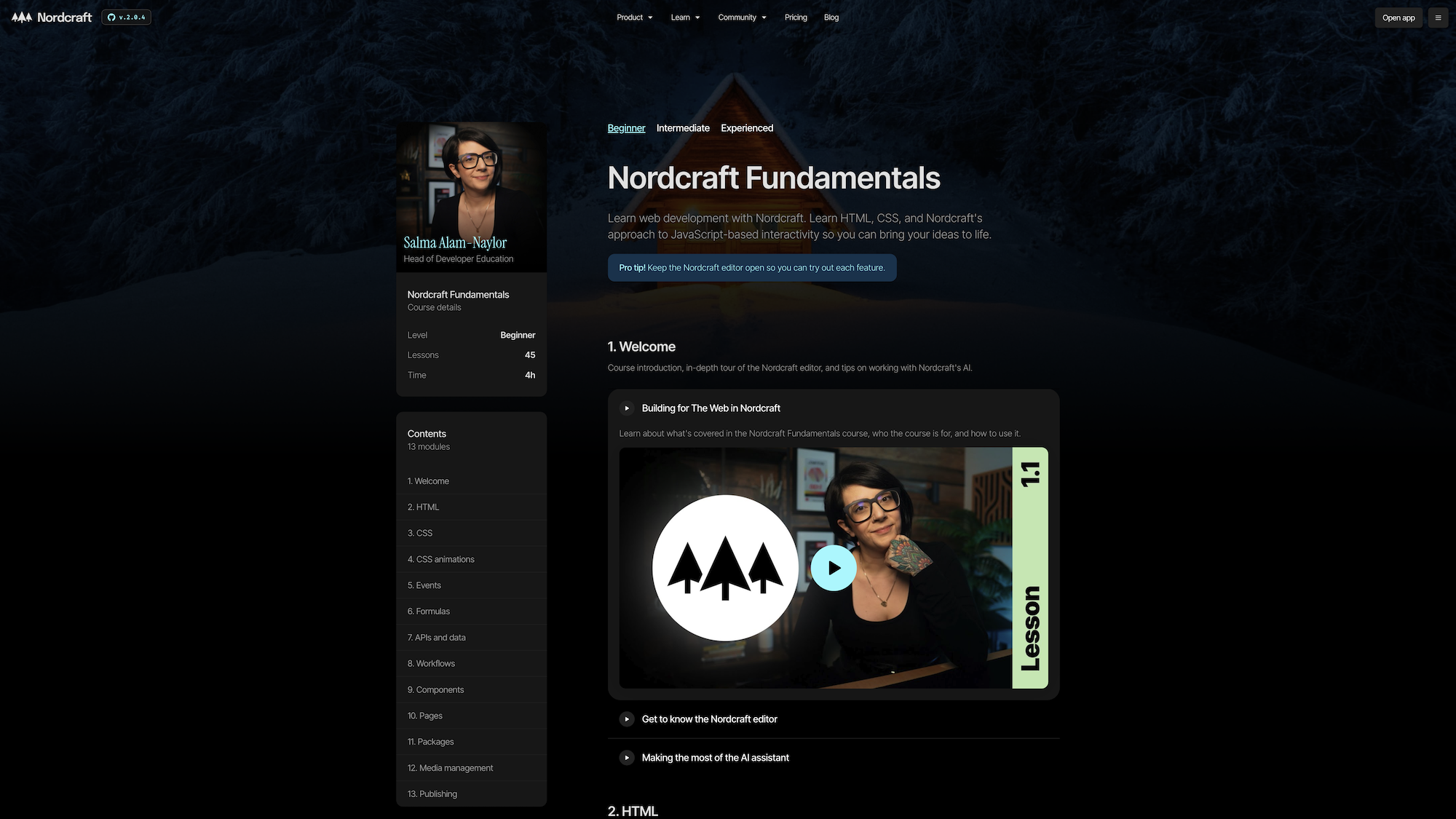
I knew that I would burn out fast if I attempted to write and record all 45 videos in one go. To mitigate this, I split the lessons out into four batches of 19, 12, 7 and 7 videos respectively. The first batch was a little larger than I had liked, but the first drop coincided with the release of Nordcraft 2.0, so I wanted to make sure a good chunk of the course was released in time for the 2.0 campaign. Splitting the course out into batches meant that I wrote the scripts for just one batch at a time, before moving on to the production process.
Honestly, this way of working was a lifesaver; being able to dedicate chunks of time to alternate between writing lessons and producing them made me feel like I was making progress towards the end goal given I was able to release batches of videos periodically, rather than sitting on a whole course of 45 videos and having to do the video production all in one go.
I’m so thrilled the course is complete, and I’m really proud of what I’ve achieved in both the process and the final result. The only regret I have is that I changed my hairstyle half way through the course production which broke continuity.
If you’d like any more insights into the process or want any more tips and tricks from the depths of my mind, I’d be very happy to help. You know where to find me.